Second Life News 2014-4

Monday was Martin Luther King Jr. day in America. It is a holiday for government and numerous businesses. The Lab considers it a holiday, so the Lab was running on holiday staffing levels. This usually means Tuesday and Wednesday server rolls are skipped or pushed back a day.

This week will be different. Maestro Linden told us last week that a rollout is planned for Tuesday and an RC rollout for Wednesday. We did not have one last week, so may there is a push or they are trying something differently. Whatever, we get rolls Tuesday and Wednesday.

Read more

Second Life Interesting Viewer 3.6.14-285213

Interesting RC Viewer

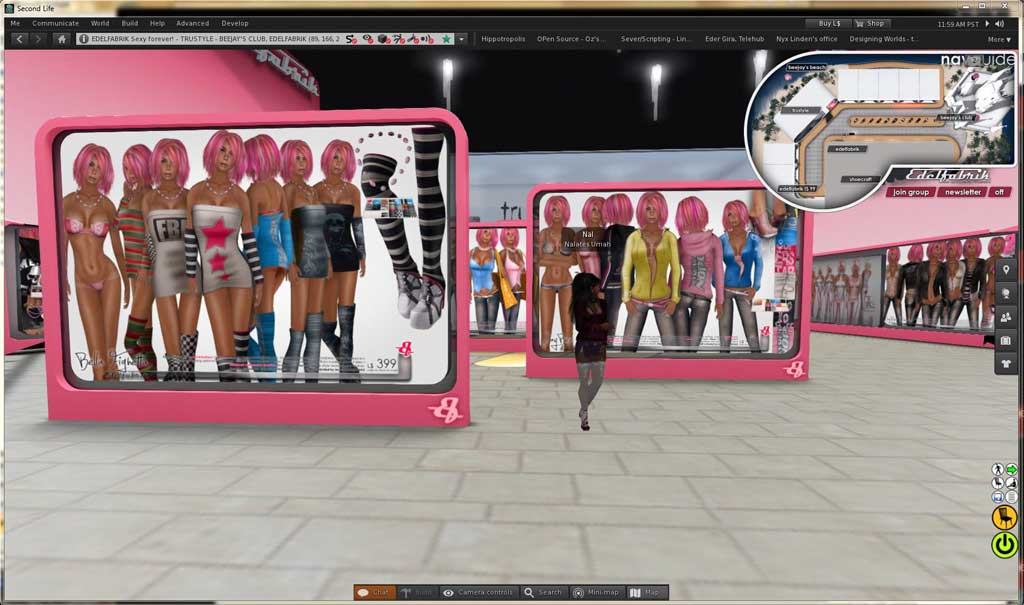
This viewer is not yet the main viewer for Second Life™, but it did get an update Tuesday 1/14. This is the Interesting RC Viewer. It is known for faster scene rendering. You can download it here: Second Life RC & Project Viewers. If you are doing photography, this version could save your sanity. Even shopping things are rendering fast. I haven’t got to use it much. But, it seems great, better than previous version.

Interesting RC Viewer - 2014-01-14 - Fast Render
Interesting RC Viewer – 2014-01-14 – Fast Render

Remember. To run the RC you need to turn off Automatic Updates or have Automatic Updates and Willing to use RC’s both enabled. The later is preferred.

Read more

Second Life Viewer 3.6.13-284995 Released

The main Second Life™ Viewer is now release 3.6.13-284995. Release Notes. This the RC Viewer known as the Package Fix RC Viewer. The primary change in the update is described in the Notes as:

The 3.6.12 release [previous release] changed the Windows executable name from ‘SecondLife’ to ‘SecondLifeViewer’, but did not remove any executable using the old name that was in the install folder. This could cause some problems with old shortcuts (not including the default one updated by the install) running the previous version (which might then insist on being upgraded, but the upgrade would not correct the old shortcut).

This (and any subsequent) release removes any executable in that install folder that uses the old name; using those shortcuts will now cause Windows to display an error message that the program is not there, so the user will need to modify or replace them with one that refers to the new name.

The folder and executable name changes meant that some people were experiencing a continual update loop. They would update automatically placing the new version in the new and differently named folder, the viewer would restart and work. The new version was being run. At the next login the viewer would tell them they needed to update, it would update, and run. But, each viewer start would require another update.

Read more

Second Life News 2014-2

Recently we have seen a number of people complaining about getting disconnected, repeatedly. No one has determined if it is an SL problem or just problems local to the users being disconnected.

Viewers

The main release SL Viewer today is: 3.6.12-284506. I expect that to change this week.

The RC viewers are now:

We have more project viewers this week:

Read more

Second Life Viewer Fix

I wrote about a problem with the viewer repeatedly downloading updates. The cause is the shortcut a person uses to start the viewer. Initially it was the folder name that changed and threw off the shortcut. Now my recent update to 3.6.13 went into an update loop.

It seems the SL Viewer program in 3.6.11 was named SecondLife.exe. The new 3.6.13 program is named: SecondLifeViewer.exe. So, if you have a shortcut pinned to your desktop, you will probably need to change it again. Just unpin it.

The viewer update or install will create a new shortcut on your desktop. That new shortcut can be pinned to you task bar via right-click drag and drop.

You can also find a shortcut in the Second Life folder in: Programs Files (x86)/SecondLifeViewer. That can be dragged to the task bar and pinned too.

Second Life News Week 51

Second Life is now in a no change window. So, there will be no server rollouts this week. Nor will the main SL Viewer update. We might still see an RC Viewer update or two. The current no change window ends January 1. That only leaves two days in the week for changes to rollout. I don’t expect much change in that two day period.

Holidays are here and I’m busy with real life stuff. That means there won’t be much stuff in this blog for the next couple weeks.

Inara Pey has an article up about Fitted Mesh. See: Fitted Mesh: “last call” for issues; release candidate “after the holiday”. Inara points out the Lindens’ calls for feedback on Fitted Mesh. It seems the Lindens’ plans are to have a project viewer out early in the new year. Early as in just after the holidays. That makes it urgent to get your feedback regarding Fitted Mesh in as soon as possible.

This is sort of a ‘speak now or forever more hold your peace’ type of thing.

While Oz Linden has said they may make additional changes to the avatar, the window for changes to be made to the avatar skeleton is closing. Changes and fixes to the skeleton not made now will likely have to wait some time, like years. So, get the Fitted Mesh Project Viewer and make sure things work as you want.

Suggestions, changes, and feature suggestions should be made in FITMESH project section of the SL JIRA.

Avastar users should keep checking the download page for test versions that work with the new avatar skeleton and collision bones.

Merry Christmas and Happy New Year!